dockurr/umbrel
umbrelOS inside a Docker container.
1M+
dockurr/umbrel repository overview
umbrelOS
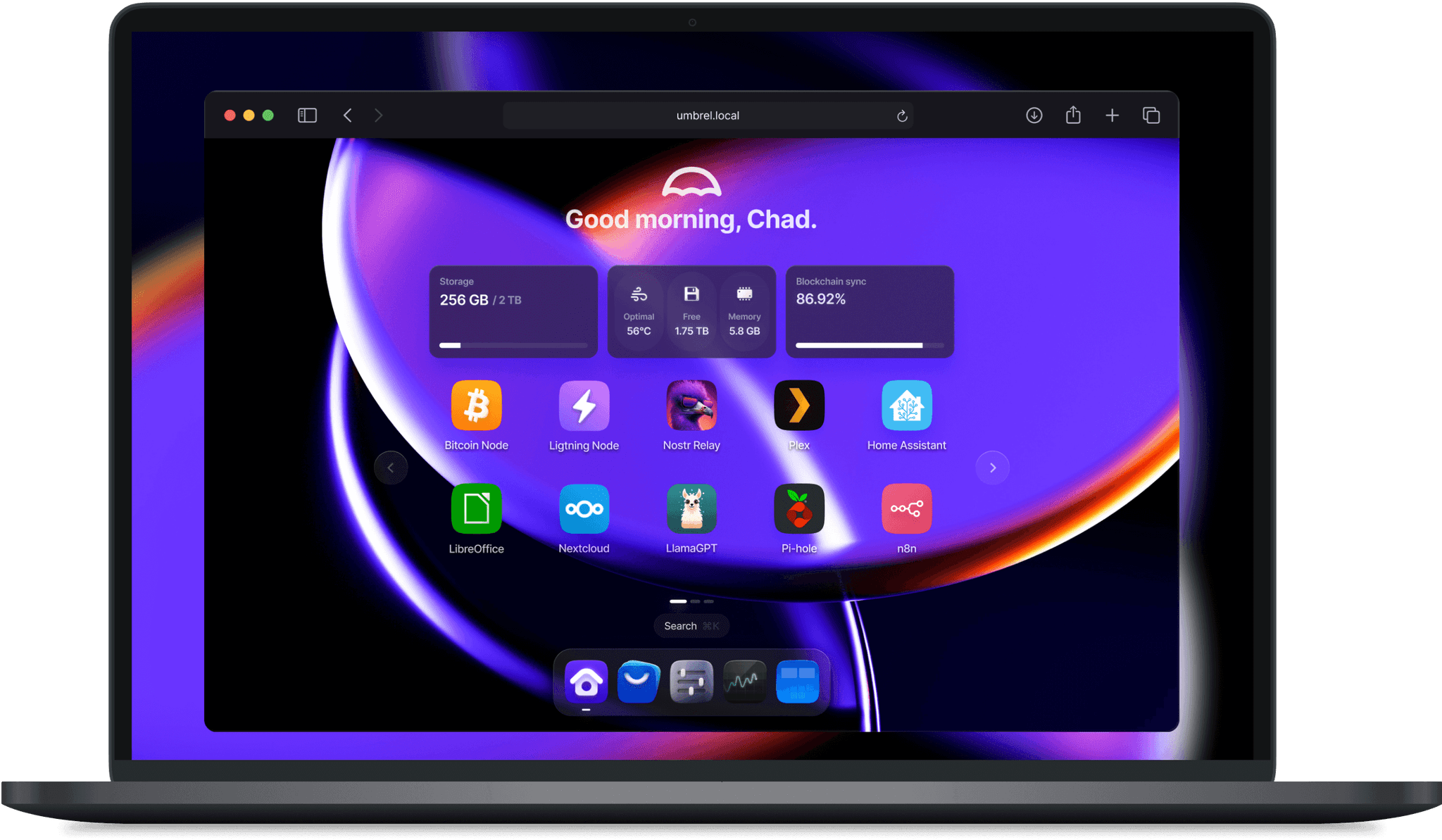



Docker container of Umbrel, an OS for self-hosting.
Features ✨
- Runs UmbrelOS inside a Docker container
- Does not need dedicated hardware or a virtual machine
- Provides access to the Umbrel web interface
- Supports installing and running Umbrel apps
- Uses the host Docker daemon for app containers
- Runs virtual machines (Umbrel Machines) with libvirt and QEMU
Usage 🐳
Docker Compose:
services:
  umbrel:
    image: dockurr/umbrel
    container_name: umbrel
    pid: host
    privileged: true
    ports:
      - 80:80
      - 443:443
      - 2000:2000
    volumes:
      - ./umbrel:/data
      - /var/run/docker.sock:/var/run/docker.sock
    restart: always
    stop_grace_period: 1m
Docker CLI:
docker run -it --rm --name umbrel --pid=host --privileged -p 80:80 -p 443:443 -p 2000:2000 -v "${PWD:-.}/umbrel:/data" -v "/var/run/docker.sock:/var/run/docker.sock" --stop-timeout 60 docker.io/dockurr/umbrel
GitHub Codespaces:

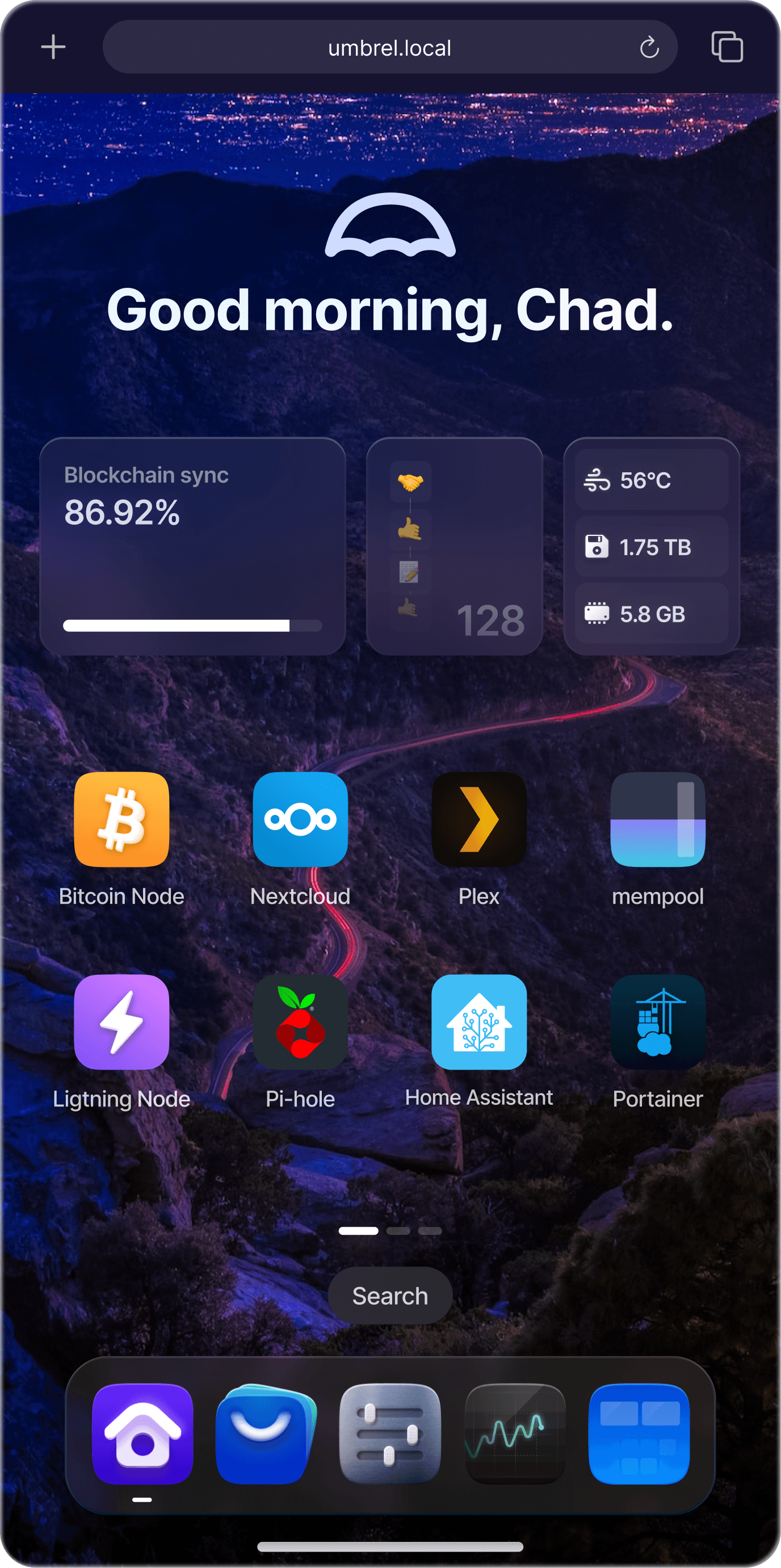
Screenshot 📸
FAQ 💬
How do I change the storage location?
To change the storage location, include the following bind mount in your compose file:
volumes:
  - ./umbrel:/data
Replace the example path ./umbrel with the desired storage folder or named volume.
If a folder inside it is a symbolic link to another disk (for example home pointing to a storage pool), also bind mount the target of the link at the same path:
volumes:
  - ./umbrel:/data
  - /mnt/storage:/mnt/storage
Do I need privileged: true?
Only for Machines (virtual machines): libvirt needs it to create the virtual network and QEMU uses /dev/kvm. Without it, umbrelOS runs normally and hides Machines. For hardware acceleration, enable virtualization (Intel VT-x or AMD-V) in the BIOS of the host.
How do I upgrade from umbrelOS 1.x?
Stop the container, back up the data folder, then pull the new image and start it again with the same /data folder. umbrelOS 2.0 updates the app configurations on its first start, so going back to 1.x requires the backup.
How do I run CasaOS in a container?
See dockur/casa for a CasaOS container.
How do I run ZimaOS in a container?
See dockur/zima for a ZimaOS container.
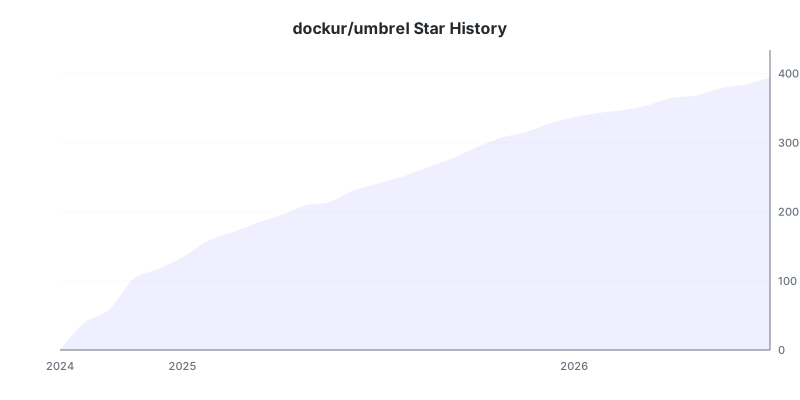
Stars 🌟
Tag summary
Content type
Image
Digest
sha256:11cb2635f…
Size
766.3 MB
Last updated
about 5 hours ago
docker pull dockurr/umbrelThis week's pulls
Pulls:
4,252
Last week