hteppl/remnawave-cloudflare-nodes
Automatically manage Cloudflare DNS records based on Remnawave (https://docs.rw) node health status.
10K+
hteppl/remnawave-cloudflare-nodes repository overview
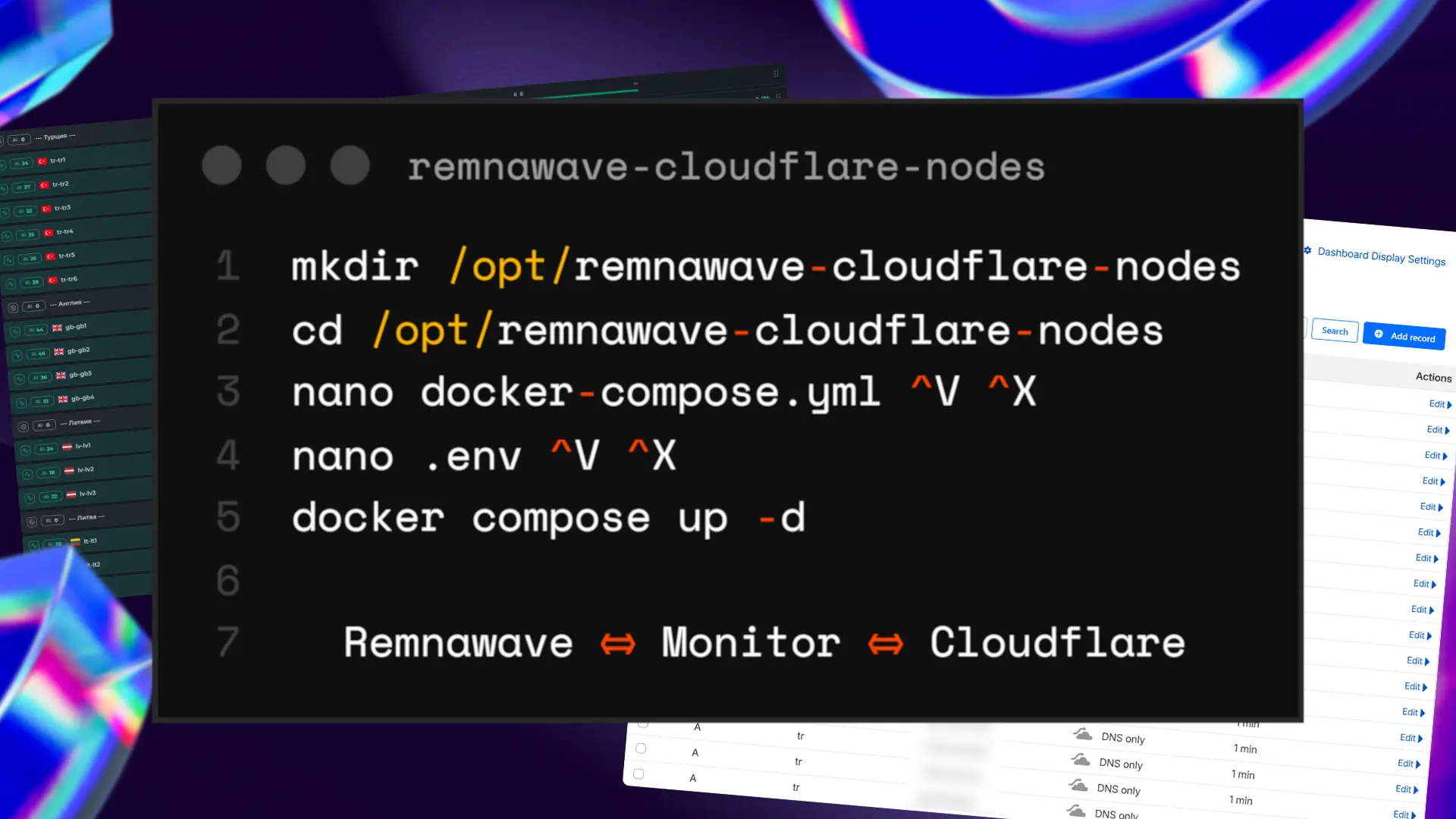
remnawave-cloudflare-nodes




English | Русский
Logging, API, and Telegram settings have moved from
config.ymlto.env. See the Migration Guide.
Automatically manage Cloudflare DNS records based on Remnawave (https://docs.rw) node health status.
Features
- Automatic Health Monitoring - Continuously monitors node health status via Remnawave API
- Dynamic DNS Management - Adds DNS records for healthy nodes, removes records for unhealthy ones
- Auto Zone Discovery - Automatically discovers Cloudflare zone IDs from domain names
- Multi-Domain Support - Manage multiple domains with multiple DNS zones each
- Telegram Notifications - Real-time alerts for node status changes, DNS updates, and critical events
- HTTP API - Manage configuration at runtime via a secured REST API
- Tailscale / Alternate Addresses - Map public DNS IPs to internal node addresses (Tailscale, VPN, NAT)
- Configurable Intervals - Set custom health check intervals
- Docker Ready - Easy deployment with Docker and Docker Compose
Prerequisites
Before you begin, ensure you have the following:
- Remnawave Panel with nodes configured
- Remnawave API Token - Generate from your Remnawave panel settings
- Cloudflare Account with DNS zones configured
- Cloudflare API Token - Create with DNS edit permissions
Configuration
Copy .env.example to .env and fill in your values:
# Remnawave panel URL and API key
REMNAWAVE_API_URL=https://panel.example.com
REMNAWAVE_API_KEY=remnawave_api_key

# Cloudflare token with DNS edit permissions
CLOUDFLARE_API_TOKEN=cloudflare_api_token

# API
API_ENABLED=false
API_TOKEN=  # Generate a strong random value: openssl rand -hex 32
API_HOST=0.0.0.0
API_PORT=8741
API_DOCS=false

# Telegram notifications
TELEGRAM_ENABLED=false
TELEGRAM_BOT_TOKEN=your_bot_token_here
TELEGRAM_CHAT_ID=123456789
TELEGRAM_TOPIC_ID=  # Forum topic ID (leave empty for regular chats)

# Notification filters
TELEGRAM_NOTIFY_NODE_CHANGES=true
TELEGRAM_NOTIFY_DNS_CHANGES=true
TELEGRAM_NOTIFY_ERRORS=true
TELEGRAM_NOTIFY_CRITICAL=true
TELEGRAM_NOTIFY_API_CHANGES=true

# Language for notifications (en, ru)
LANGUAGE=en
# Timezone (e.g. UTC, Europe/Moscow, America/New_York)
TIMEZONE=UTC
# Time format: %d-day, %m-month, %Y-year, %H-hour, %M-min, %S-sec
TIME_FORMAT="%d.%m.%Y %H:%M:%S"
# Logging level (DEBUG, INFO, WARNING, ERROR, CRITICAL)
LOG_LEVEL=INFO
Copy config.example.yml to config.yml and configure your domains:
remnawave:
  # Health check interval in seconds
  check-interval: 30

# Domains and DNS zones to manage
domains:
  - domain: example1.com
    zones:
      - name: s1          # Creates s1.example1.com
        ttl: 60           # Record TTL in seconds
        proxied: false    # Cloudflare proxy (orange cloud)
        ips: # Node IPs to monitor
          - 1.2.3.4
          - 5.6.7.8
      - name: "@"         # Creates apex record for example1.com itself
        ttl: 60
        proxied: false
        ips:
          - 1.2.3.4

  - domain: example2.com
    zones:
      - name: s2
        ttl: 60
        proxied: false
        ips:
          - 13.14.15.16
          - 17.18.19.20
Apex (root) domain records
Use name: "@" to create an A record for the root domain itself (example.com) instead of a subdomain:
domains:
  - domain: example.com
    zones:
      - name: "@"       # A record for example.com
        ttl: 60
        proxied: false
        ips:
          - 1.2.3.4
      - name: sub       # A record for sub.example.com
        ttl: 60
        proxied: false
        ips:
          - 5.6.7.8
Note: When managing apex zones via the HTTP API, URL-encode
@as%40in the path:PATCH /api/config/domains/example.com/zones/%40 DELETE /api/config/domains/example.com/zones/%40
Node formats
Zones support two formats for specifying which nodes to monitor.
ips — simple list of IPs
zones:
  - name: s1
    ttl: 60
    ips:
      - 1.2.3.4
      - 5.6.7.8
Each IP is both written to Cloudflare DNS and matched against node.address in Remnawave.
nodes — advanced with separate addresses
zones:
  - name: s1
    ttl: 60
    nodes:
      - ip: 1.2.3.4
        address: 100.64.0.1  # Tailscale or internal address in Remnawave
      - ip: 5.6.7.8
        address: 100.64.0.2
ip— the IP written to Cloudflare DNS.address— thenode.addressused to find the node in Remnawave. Useful when nodes are accessed via Tailscale, a VPN, or any address that differs from the public IP. When omitted, defaults toip.
Both formats can be mixed within the same zone or across different zones.
Configuration Reference
Environment variables (.env)
| Variable | Description | Default | Required |
|---|---|---|---|
REMNAWAVE_API_URL | Remnawave API endpoint | - | Yes |
REMNAWAVE_API_KEY | Remnawave API token | - | Yes |
CLOUDFLARE_API_TOKEN | Cloudflare API token with DNS edit permissions | - | Yes |
LOG_LEVEL | Log level (DEBUG INFO WARNING ERROR) | INFO | No |
API_ENABLED | Enable the HTTP API server | false | No |
API_HOST | Address to bind the API server | 0.0.0.0 | No |
API_PORT | Port for the API server | 8741 | No |
API_DOCS | Enable Swagger UI at /api/docs | false | No |
API_TOKEN | API auth token — must be 64-char hex string | - | When API enabled |
TELEGRAM_ENABLED | Enable Telegram notifications | false | No |
TELEGRAM_BOT_TOKEN | Telegram bot token from @BotFather | - | No |
TELEGRAM_CHAT_ID | Chat ID for notifications | - | No |
TELEGRAM_TOPIC_ID | Forum topic ID (for supergroups with topics) | - | No |
TELEGRAM_NOTIFY_NODE_CHANGES | Notify on node status changes | true | No |
TELEGRAM_NOTIFY_DNS_CHANGES | Notify on DNS record changes | true | No |
TELEGRAM_NOTIFY_ERRORS | Notify on errors | true | No |
TELEGRAM_NOTIFY_CRITICAL | Notify when all nodes go down | true | No |
TELEGRAM_NOTIFY_API_CHANGES | Notify on HTTP API config changes | true | No |
LANGUAGE | Notification language (en, ru) | en | No |
TIMEZONE | Timezone for timestamps (e.g. Europe/Moscow) | UTC | No |
TIME_FORMAT | Time format for timestamps | %d.%m.%Y %H:%M:%S | No |
config.yml
| Key | Description | Default | Required |
|---|---|---|---|
remnawave.check-interval | Interval in seconds between health checks | 30 | No |
domains | List of domains and DNS zones to manage | [] | Yes |
Installation
Docker (recommended)
- Create the docker-compose.yml:
services:
  remnawave-cloudflare-nodes:
    image: hteppl/remnawave-cloudflare-nodes:latest
    container_name: remnawave-cloudflare-nodes
    restart: unless-stopped
    env_file:
      - .env
    volumes:
      - ./config.yml:/app/config.yml
      - ./logs:/app/logs
    networks:
      - remnawave-cloudflare-nodes

networks:
  remnawave-cloudflare-nodes:
    name: remnawave-cloudflare-nodes
    driver: bridge
- Create and configure your environment file:
cp .env.example .env
nano .env  # or use your preferred editor
- Start the container:
docker compose up -d && docker compose logs -f
Manual Installation
- Clone the repository:
git clone https://github.com/hteppl/remnawave-cloudflare-nodes.git
cd remnawave-cloudflare-nodes
- Create a virtual environment (recommended):
python -m venv .venv
source .venv/bin/activate  # Linux/macOS
# or
.venv\Scripts\activate     # Windows
- Install dependencies:
pip install -r requirements.txt
- Create and configure your environment file:
cp .env.example .env
- Run the application:
python -m src
How It Works
-
Initial Fetch - On startup, the service fetches all nodes from the Remnawave API and auto-discovers Cloudflare zone IDs
-
Health Evaluation - Based on node status, determines which nodes are healthy:
- Node must be connected (
is_connected = true) - Node must not be disabled (
is_disabled = false) - Node must have Xray installed (
xray_versionis not null)
- Node must be connected (
-
DNS Synchronization - For each configured zone, matches each entry's
addressto node health status, then:- Adds DNS A records for IPs whose nodes are healthy
- Removes DNS A records for IPs whose nodes are no longer healthy
-
Continuous Updates - The service polls the Remnawave API at the configured interval (
check-interval) and updates DNS records
The service manages DNS records dynamically, ensuring only healthy nodes are included in DNS resolution.
Telegram Notifications
The service can send real-time notifications to Telegram when events occur.
Setup
- Create a bot with @BotFather and get the token
- Get your chat ID from @username_to_id_bot
- Add the bot to your chat/group
- Configure in
.env:
TELEGRAM_ENABLED=true
TELEGRAM_BOT_TOKEN=your_bot_token_here
TELEGRAM_CHAT_ID=123456789
TELEGRAM_TOPIC_ID=              # Optional: for forum topics
LANGUAGE=en                     # en, ru
Notification Types
| Event | Description | Example |
|---|---|---|
| Node Online | Node became healthy | ✅ Node Online node-1 (1.2.3.4) is now available. 📊 Nodes: 5/6 online, 0 disabled |
| Node Offline | Node became unhealthy | ❌ Node Offline node-1 (1.2.3.4) is unavailable. Reason: disconnected |
| DNS Updated | DNS record added | 📝 DNS Updated Added 1.2.3.4 → s1.example.com |
| DNS Removed | DNS record removed | 🗑️ DNS Removed Removed 1.2.3.4 from s1.example.com |
| Critical | All nodes down | 🔴 CRITICAL: All Nodes Down All 5 nodes are unreachable. |
| Recovered | All nodes back online | 🟢 Recovered: Nodes Back Online |
| Service Start | Monitoring started | 🚀 Service Started |
| Service Stop | Monitoring stopped | 🛑 Service Stopped |
Configure Notifications
You can enable/disable specific notification types in .env:
TELEGRAM_NOTIFY_NODE_CHANGES=true   # Node online/offline events
TELEGRAM_NOTIFY_DNS_CHANGES=true    # DNS record add/remove
TELEGRAM_NOTIFY_ERRORS=true         # Error alerts
TELEGRAM_NOTIFY_CRITICAL=true       # All nodes down alert
TELEGRAM_NOTIFY_API_CHANGES=true    # HTTP API config changes
HTTP API
The service includes an optional REST API for managing configuration at runtime.
See docs/API.md for the full API reference.
Quick start
- Generate a token:
openssl rand -hex 32
- Enable in
.env:
API_ENABLED=true
API_TOKEN=<generated token>
API_HOST=0.0.0.0
API_PORT=8741
API_DOCS=false
Reverse proxy
Example configs for exposing the API behind a reverse proxy:
- Caddy —
docs/Caddyfile.example - Nginx —
docs/nginx.example.conf
Connect your reverse proxy to the project network so it can reach the container by name:
networks:
  remnawave-cloudflare-nodes:
    external: true
CLI
An interactive CLI is available inside the container for quick diagnostics and config management:
docker exec -it remnawave-cloudflare-nodes cli
Use arrow keys to navigate and Enter to select:
  remnawave-cloudflare-nodes

? Select action:
 ❯ Show config
   Validate config
   Reload config (hot)
   ──────────────────
   Exit
| Option | Description |
|---|---|
| Show config | Display current domains, zones, nodes and service settings |
| Validate config | Parse and validate config.yml, report errors or a zone summary |
| Reload config | Apply changes from config.yml without restarting the container |
Logs
Monitor logs to diagnose issues:
# Docker
docker compose logs -f

# Manual
# Logs are output to stdout and logs/app.log
Migration
Upgrading from an older version? See the Migration Guide.
License
This project is licensed under the GNU General Public License v3.0.
Tag summary
Content type
Image
Digest
sha256:37fe647d9…
Size
83.7 MB
Last updated
17 days ago
docker pull hteppl/remnawave-cloudflare-nodes